
01
Order tags
Expect a tag to be present, or absent, after an order event.
OutcomeWatch · Shopify app
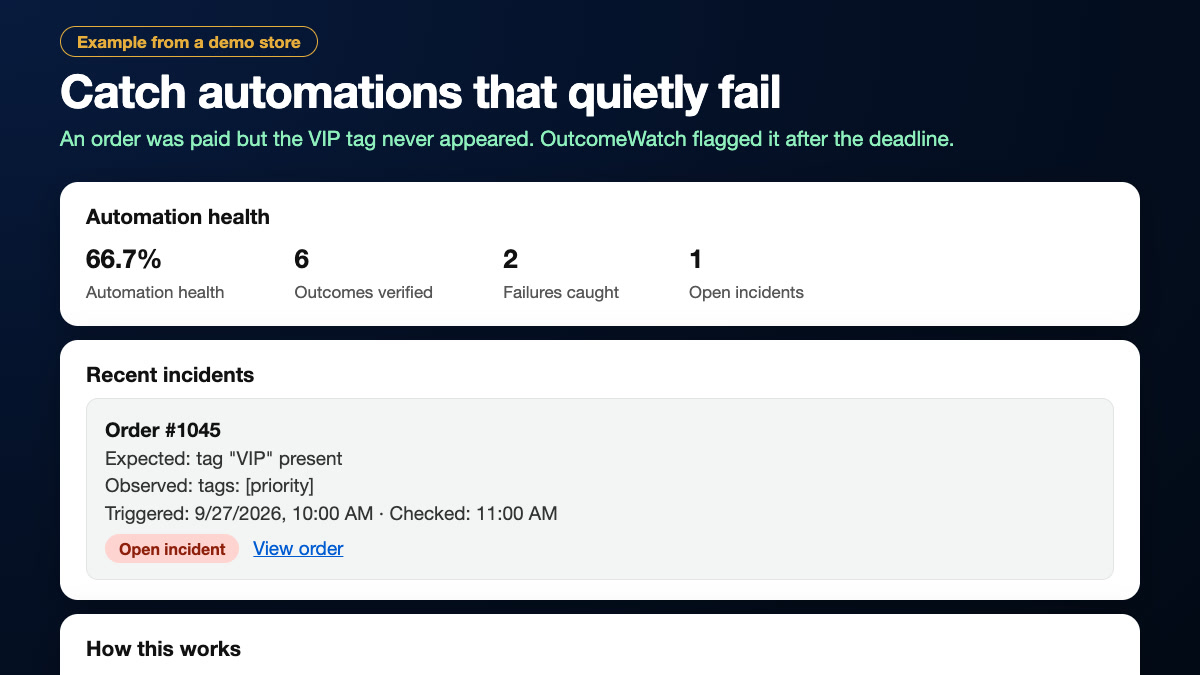
OutcomeWatch independently checks Shopify’s real order state after your automations run, and flags an incident when the expected outcome did not happen: a missing tag, a missing hold, a wrong status.
Read-only: it never changes your store and never reads customer data.
Example data from a demo store.
Product overview
A quick look at OutcomeWatch in action.
What it checks
01
Expect a tag to be present, or absent, after an order event.
02
Expect the order to be paid, refunded or another Shopify status by your deadline.
03
Expect fulfilled, unfulfilled or on hold, including holds you rely on for review or COD orders.
04
Order created, order paid, order cancelled or fulfillment changed.
05
Each incident shows what was expected, by when, and what Shopify actually showed.
06
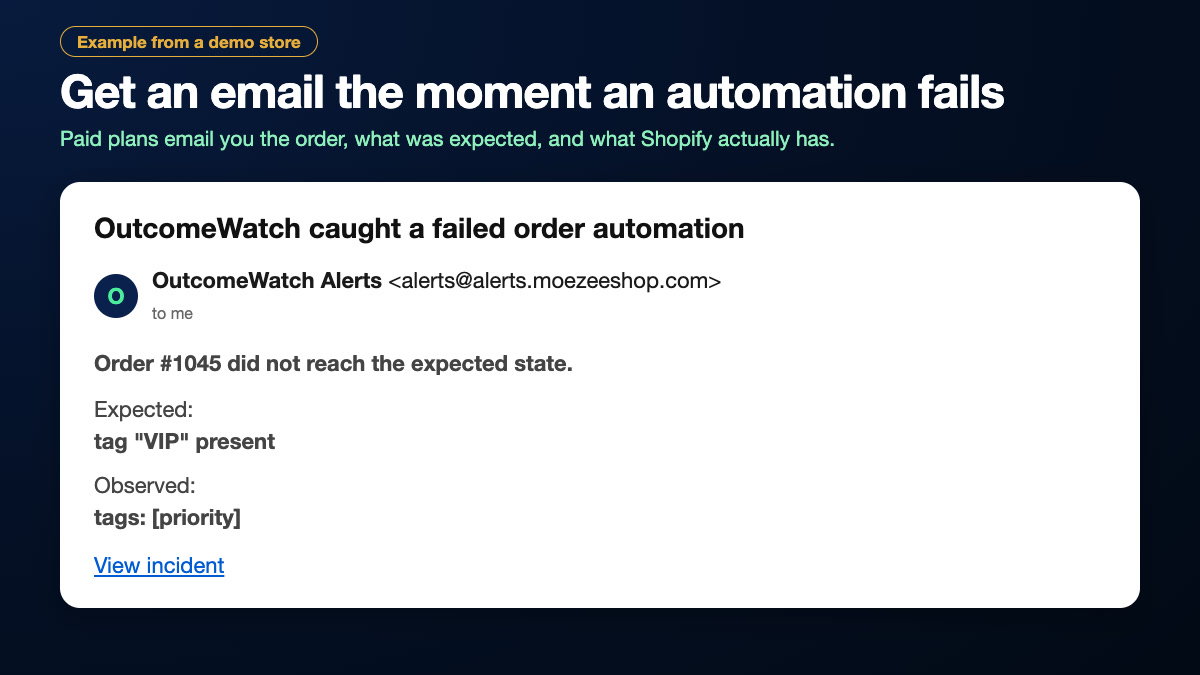
Starter sends one email per new incident. Free shows incidents in the app.
01
For example: when an order is paid.
02
For example: the order has the tag “VIP” within 5 minutes.
03
After the deadline OutcomeWatch checks Shopify. Pass, or an incident with the details.
Example data from a demo store.
A closer look
OutcomeWatch does not rely on another app’s “done” status. It looks at the order itself after your deadline, and paid plans email you for each new incident. A temporary Shopify API error is retried and is never reported as a failed automation.
Explore the app listing →Plans
$0
$19 / month
Current prices are always shown on the Shopify App Store listing.
No. It only reads order tags, financial status, fulfillment status and timestamps. It tells you what did not happen; it does not repair it.
No. It works the same whether the change came from Flow, another app, a custom script or a person.
After your chosen deadline passes and the check finds the expected state missing. Starter sends an email; Free shows the incident in the app.
No. An incident records what was true at the deadline, so a late fix does not erase it.
Order IDs and numbers, tags, financial and fulfillment status, and timestamps. It never stores customer names, emails, phone numbers or addresses. See the privacy policy.
Monitoring stops immediately. Your data is erased when Shopify sends its shop-redact notice, no later than 48 hours after uninstall.
Email us with your store’s .myshopify.com address and what you’re seeing.
support@moezeeshop.com →